
Signing up for Electronic Statements or as we call it, "eStatements", provides so many benefits: convenience, lower cost, and helping to save the environment. Look at the number of trees we could be saving by not printing and mailing statements.
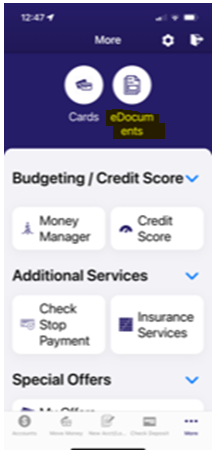
It's easy to sign up for eStatements: you can go through our mobile app, click on More and then eDocuments, or you can sign up through online banking by navigating to the Additional Service menu and clicking on the eDocuments menu item.
Please note that you will need to have an email address on file with us in order to successfully enroll in eStatements. If you receive an error when accessing the eDocuments page, please verify that you have an email address on file by going to the Settings page. If you do not have an email address on file, please add one and try again.
Unfortunately, we are unable to change your statement delivery to electronic, because you have to accept the terms before it will allow you to sign up. We also cannot change you back to paper statements. You would follow these same instructions to change back to printed statement delivery (be aware that some accounts will not earn interest if you do not receive electronic statements).
If you are needing a copy by email or a printed copy mailed to you, we do charge $2.00 per statement request.
ENROLL IN ELECTRONIC STATEMENTS FOR YOUR DEPOSIT ACCOUNTS AND LOANS:
Computer visual:

Mobile Phone visual:
Click on more or the three dots at the bottom of your iphone. If you are using an android, click on the menu or three lines. Then you will click on eDocuments and follow the instructions to register for electronic statements.
For more information, or assistance, please call us at 800-232-8669, option 0 for an Excite Team Member.
VISA CREDIT CARD ELECTRONIC STATEMENT ENROLLMENT
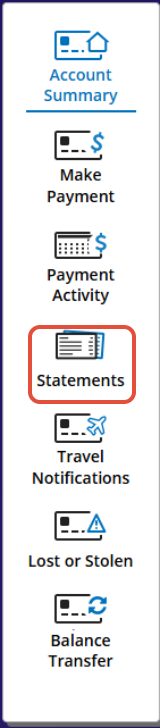
To enroll in electronic statements for your credit card, go to www.excitecu.org and log in. click on Additional Services, then Visa credit Card. Click on statements on the right-hand side, and there you will be able to enroll in electronic statements.
Please note if you are on the mobile app, you will have to click more, then on that page click on Visit Website and manually log in.
Computer visual:
STEP 1: Hover over Additional Services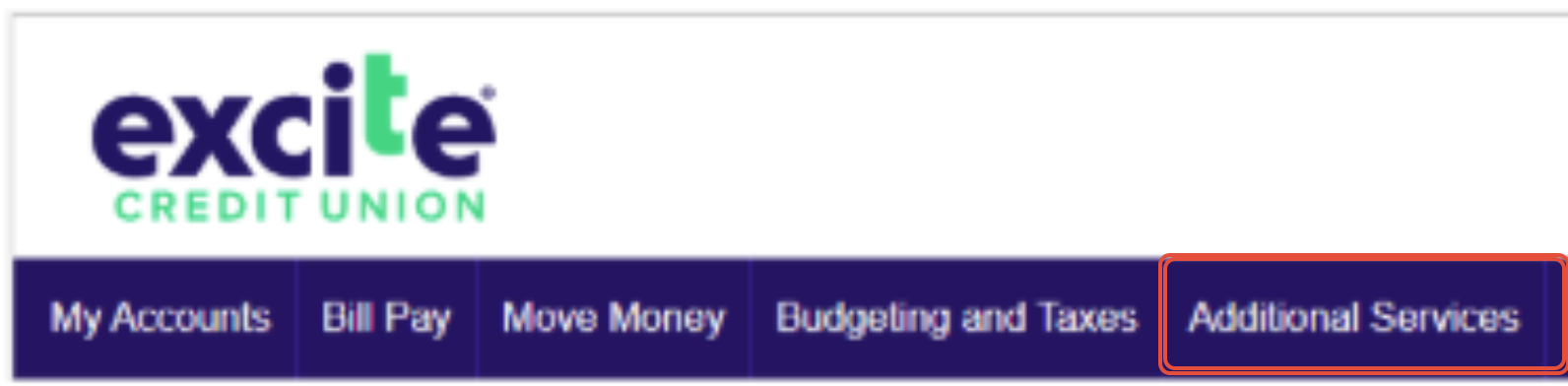
STEP 2: Click on Visa Credit Card
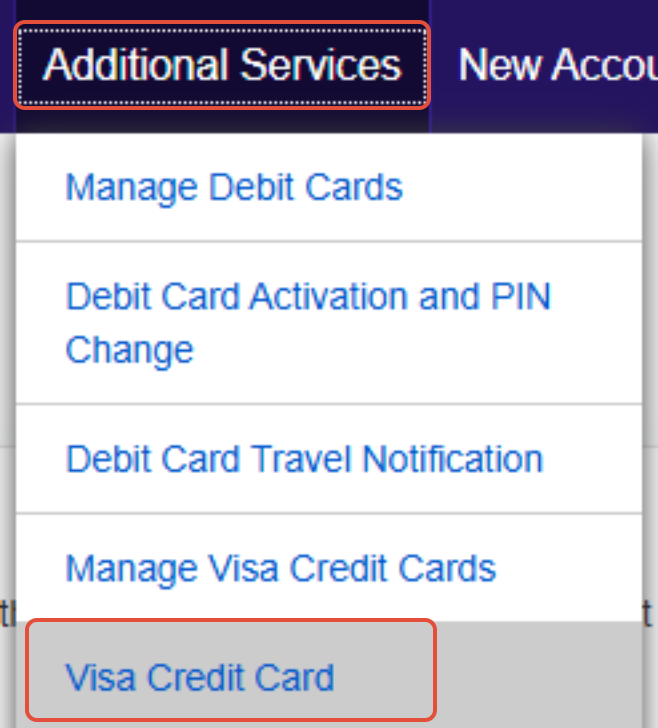
STEP 3:
For more information, or assistance, please call us at 800-232-8669, option 0 for an Excite Team Member.